One of the most important things you can do in any marketing campaign, but especially during the holiday season, is injecting a bit of scarcity and urgency that pushes your people to take action.
Today we’re going to walk through a few different ways you can layer this into your marketing plan. First, we’ll talk about some specific products and promotions you can run to accomplish this and then we’ll dive into ways you can amplify your products and promotions throughout the season.
Prefer to listen to the episode? Click here.
Special Products & Promotions that Add Urgency
1. Holiday-Themed Limited Edition Products
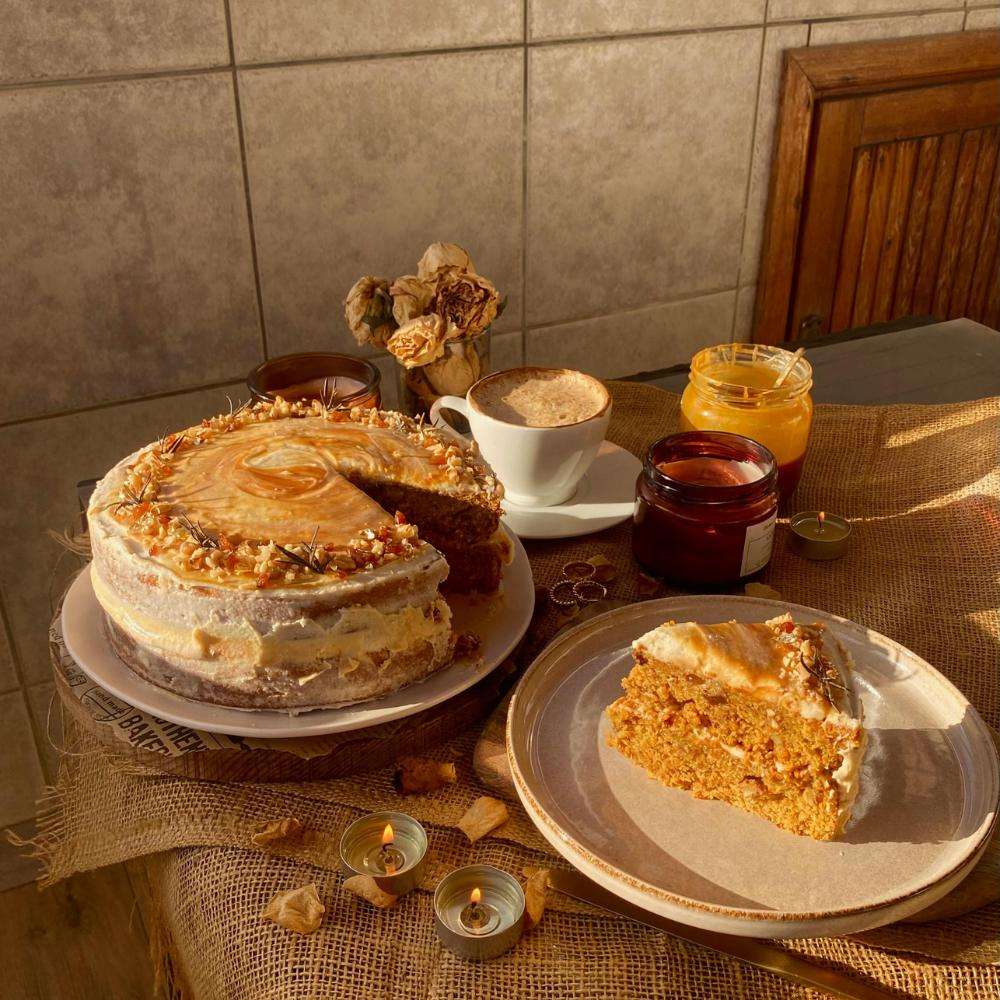
Offer limited-edition products available only during the holiday season. This is your pumpkin spice or peppermint latte. In addition to adding urgency at the time of their release, you’ll start to train your best customers to come back each year for them.
2. Exclusive Holiday Bundles
You can also offer holiday-specific bundles. Whether it includes your limited edition holiday products, or just a special offer on your best-selling items.
Bundles are a great way to increase your AOV and the limited-time nature of the bundles gives it the urgency it needs.
3. Holiday Pre-Order & Pre-Launch Campaigns
If you’re bringing in a new physical product, pre-orders are a great way to get a better idea of how many units you’ll need. This way you don’t have to stress about overstocking inventory and being stuck with it at the end of the season.
Pre-orders are of course a great way to collect money upfront before you have to invest in the product, but it’s also a way to validate that your audience wants it.
If you run a solid pre-order campaign and not enough people buy into that specific item, then that’s a signal it might not be worth the trouble. Depending on your situation you can either fulfill the orders you did get or offer them an alternative.
Worst case you can refund them and offer them some a discount on their next purchase to soften the blow. If that does happen, just make sure you do it quickly so they can make alternative gift purchases.
If you’re not bringing in any holiday-specific products, then you know I’m going to recommend you run a pre-launch campaign to build a VIP list for your Black Friday weekend promotion.
4. Early Bird Specials or Tiered Discounts with Time Constraints
You can offer exclusive deals or early access to holiday promotions to those who act fast. This can be a bonus for those who sign up for your VIP or early access list. It will also work great for your loyal customers creating both urgency and a sense of exclusivity. Or it can be a public-facing offer you make.
For example, you can offer 30% off for the first 2-hours that your sale is live, dropping it down to 25% for the remainder of the weekend.
You could also extend these tiers over different days of the week. For example, 40% on day one, 30% the next day, and 20% the day after that.
I don’t necessarily love having it switch over the days like that because consumers have become accustomed to the same sale running over multiple days and might get confusing, but everything is worth a test.
5. Flash Sales
Flash sales are a popular short-term promotion that are active for a limited time, often only for a few hours or a day. In theory, flash sales are meant to encourage customers to act quickly, before the deal disappears. Essentially, we want them to act on impulse.
In most cases, I find these work best if they’re at least 48 hours otherwise they don’t make a huge impact. Even with the size list I had at my previous day job, super short sales didn’t move the needle much.
They can be a great way to encourage sales of a specific product or to give a little boost if sales lose momentum during the season.
How to Amplify Your Promotions Throughout the Holiday Season
1. Countdown Timers
Countdown timers are a great visual way to highlight how long customers have to take advantage of a sale or promotion, or countdown to an upcoming event.
You can use countdown timers in a number of different places including in your emails, on your website, and even on social media.
For example, during Black Friday weekend you can put countdown timers across your website and in your emails reminding people of when your sale ends.
The tool I typically use is called Sendtric. It’s a free tool, and you just copy and paste an embed code where you want to it appear. I use it in emails, you can also use it on your website.
Some themes might have a countdown section that you can use as well.
There are apps that will let you put countdowns on individual product pages.
There’s a lot of different ways to implement this.
On Instagram, you can use the countdown sticker to let people know when your holiday collection is going live and even give them the option to set a reminder for themselves.
2. Limited Stock Notifications
If you generally have limited inventory in your products, or even if it’s only for your holiday-specific products, displaying a message that an item is almost out of stock can tap into the fear of missing out.
A lot of the newer Shopify themes do have this built-in in some form or another. Sometimes it might just been an in-stock vs. low-stock message. Sometimes it will even let them know how many units are left. If it shows the number of units left, you can usually set a threshold of when you want that to start appearing, for example when it gets down to 5 or 10 units.
If you’re using Klaviyo as your email marketing platform, they do also now have a low inventory flow trigger. So if one of your subscribers viewed a specific product, added it to cart, or started checkout with it in their cart and your inventory gets low, you can trigger an automated email to let them know that the stock is dwindling.
You can also set the inventory threshold you want to use for when this gets triggered and how recently that person had to have engaged with it to determine if they should get the email. For example, if they looked at something 6 months ago, they may have already lost interest. But, if they’ve looked at it in the last 30 days, and now that item is selling out, it could be a motivator for them.
Here is the Klaviyo documentation to set up limited stock notifications.
3. Social Proof Notifications
These are real-time notifications that show other shoppers buying the product – it’s a little pop-up that appears in the corner of your site. It’s a cool tool because it builds credibility, it shows that people are buying from you, and of course creates a bit of FOMO and urgency.
You can see this on the Lounge Membership sign-up page. Admittedly, I haven’t gotten around to upgrading to the paid version so I might be out of impressions when you get there.
The app I use for this is called Prove Source*. They also have a Shopify app. This is my affiliate link, If you do want to use it I appreciate the support of the show.
4. Cart Reservations
If you have a high-volume store or limited inventory, using cart reservations is a great way to create urgency at checkout for your customers. These show a message that the items are reserved for a limited amount of time reminding them they don’t have long before the item might be unavailable.
By default, a customer putting something in their cart doesn’t reserve it for them. If you only have 1 unit of something, by the time the customer decides to place their order, it’s possible someone else came and snagged that last unit.
Of course, you can put a little pressure on them with the limited stock notifications we talked about earlier, but wouldn’t it be cool if you could add some additional urgency with a countdown timer?
The trick here is, you can’t use a countdown timer unless you’re truly holding that item for them. Kind of like when you go into a retail store and they hold the item behind the cash wrap for you to come back later to purchase it.
This Shopify app will hold the inventory for the customer for a few minutes and show them a countdown in the cart. If the timer expires the item is returned to the available inventory. It’s super reasonably
There are Shopify apps that will truly hold the inventory for them for a few minutes and show the customer the countdown for how long you’re holding it. This app, Conversion Pro Plus is one that’s available – it’s super available.
5. “Only X Days Left” & Last Chance Reminders
While it’s easy to think that everyone is paying as close attention to each day that ticks away, that’s not true at all. I recommend you countdown to the days to key shopping days like Black Friday, Cyber Monday, Free Shipping Day and even Christmas.
That doesn’t necessarily mean you have to email them every day with a countdown in the subject line, but it could look like a reminder within an email you’re already sending, or posts on social media.
It’s just that subtle reminder that they’re running out of time and need to make their final purchases soon.
No matter what your promotion is, don’t forget those last-chance reminders. Most people miss these, but they are usually the highest-grossing emails after the initial launch. I like to send them about 6 hours before the sale is about to expire.
6. Shipping Deadlines
The same is true for shipping deadlines. You’ll want to let your customers know when the last day they can order from you to receive the item in time for the holidays. This typically falls around Free Shipping Day which is December 14th.
Depending on your own schedule and production process, your deadline might be earlier.
In either case, make sure you are consistently reminding people when that deadline is and sending emails to remind them. Usually, I will do a 24-hour countdown for each shipping speed. Ground, 2-day, and overnight.
Conclusion
At the end of the day, your number one job this holiday season is to market your business and sell your products. Incorporating a mix of these promotions and amplification tactics will help you build the sense of urgency customers need to take action and increase your conversions.
Listen to the Episode
Resources & Tech Tools Mentioned:
Prove Source – Social Proof Notifications
Shopify App – Cart Reservations
Klaviyo Limited Stock Automation
Other Episodes:
eCommerce Badassery Podcast Database
– You can filter by Q4