$97.00
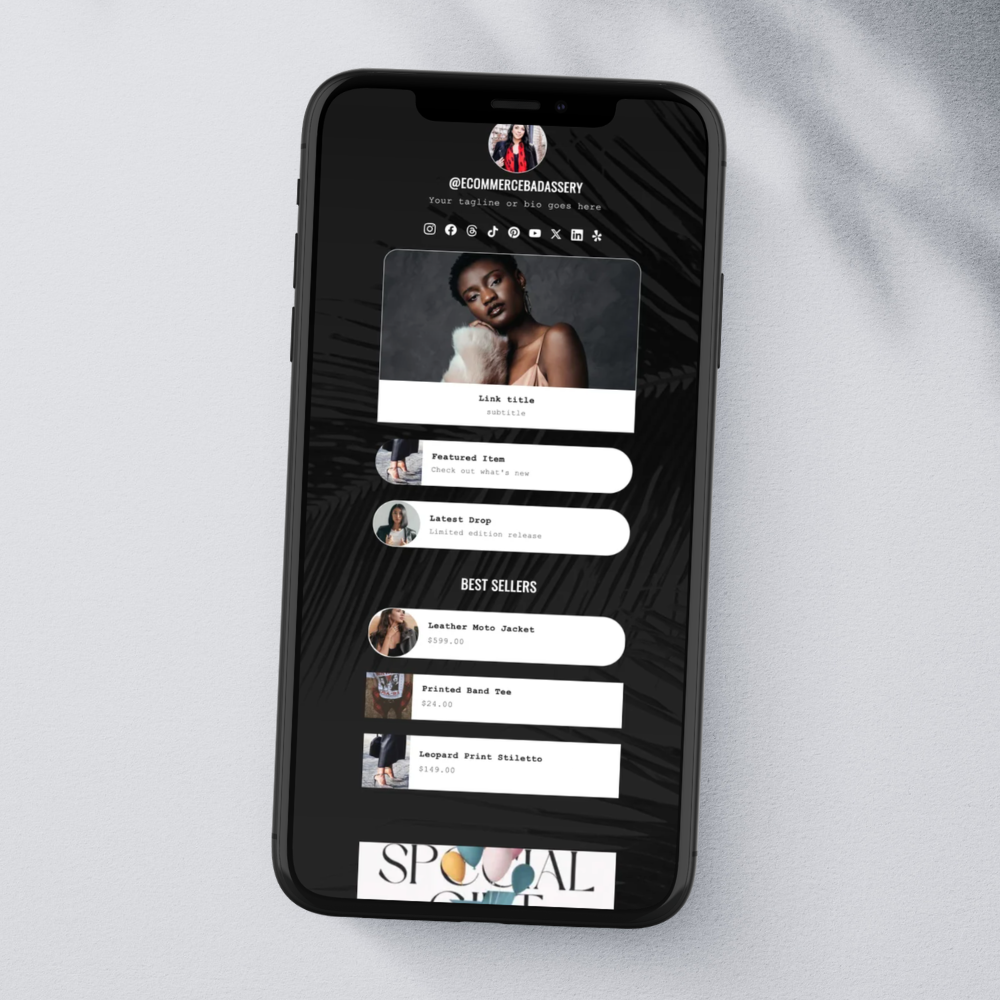
Shopify makes it surprisingly hard to feature products inside your blog content. This course gives you two ways to fix that, so readers can shop the products you write about without ever leaving the post.
Nope. If your posts already link to products, the automatic version uses those links to build the display. That gift guide from two years ago can earn its keep without a rewrite.
Yes. The in-article version lets you place a product or collection right where you're talking about it. You can also use the automatic display at the bottom of the same post, handy when you want to show the exact product in step three and give readers the full shopping list at the end.
Yes. With the in-article version, shoppers can add single-variant products straight to their cart. If a product has multiple variants, they'll go to its product page to choose.
Nope. Images, titles, and prices come from your Shopify product listings. Update the product once and the display uses the current details.
Yes! Both versions are self-contained and work with every Shopify theme. The tutorials cover setup for Shopify 2.0 and Horizon.
You get the code and a tutorial for each version. If you can follow the steps and copy and paste, you can set it up. Both versions run without a separate paid app subscription.
Your posts stay in Shopify. If you switch themes, reinstall the shoppable features in the new theme. After a theme update, preview a post to make sure the displays carried over.
You already have access to this section inside Shopify Secrets.