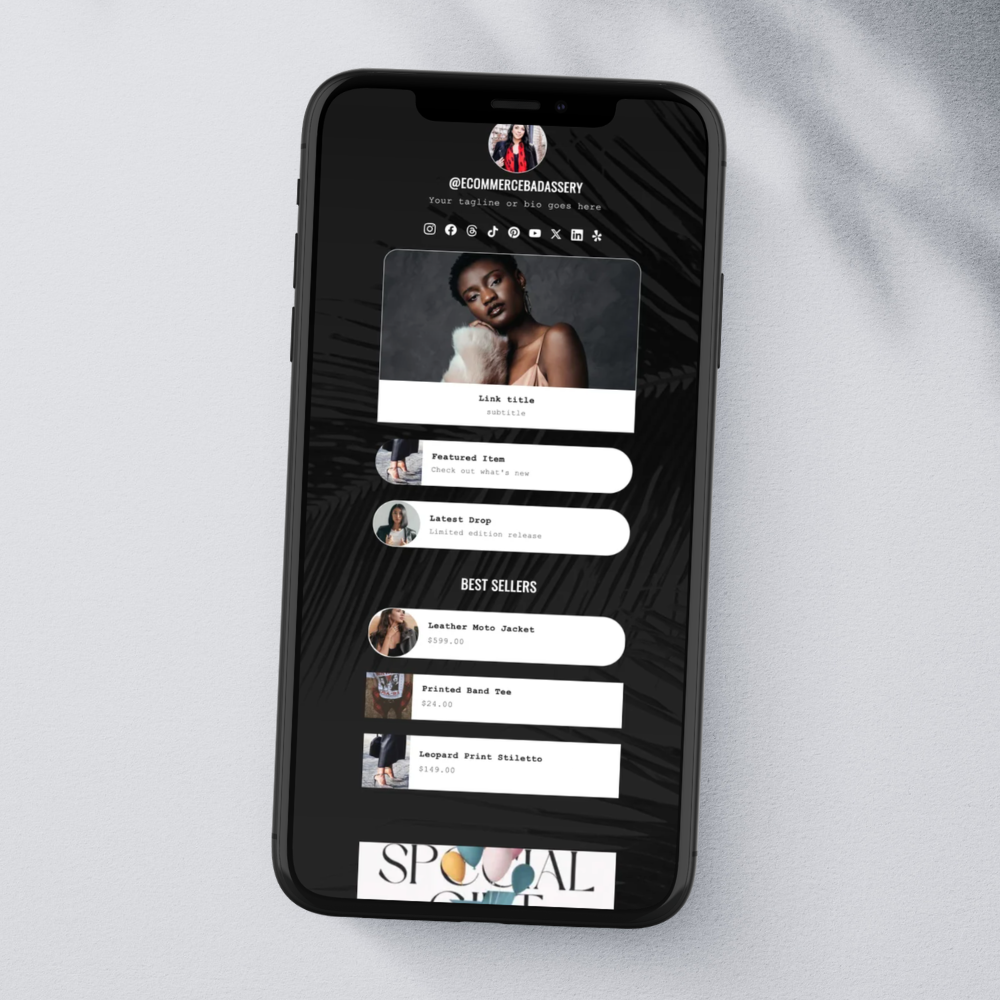
$97.00
Selling the same product in different colors, patterns, or styles? Sometimes it makes more sense to create separate Shopify products instead of stuffing everything into one giant variant list.
With sibling products, you can connect those individual product listings and let customers easily shop between them, right from the product page.
Perfect for products that deserve their own photos, descriptions, and search visibility, but still belong together.
While some Shopify themes offer their own version of sibling products, this setup keeps your product relationships independent of your theme. You’ll have more freedom to customize your store and switch themes in the future without having to rethink how your products are connected.
If you want each color, scent, or style to have its own product page, yes. Say you sell the same bag in five colors and each one has its own photos. Give each color its own listing, then connect them with swatches so shoppers can hop from one to the next.
Nope. You can connect the listings you already have. If your options are currently variants on one product, create a separate listing for each option you want to connect first.
Scents and flavors are fair game. Use text buttons for “Vanilla” or “Blood Orange,” and image or color swatches for options shoppers can pick by sight.
The swatches appear on product pages. On collection pages, each sibling can appear as its own product listing.
If you're happy with your theme's built-in siblings, you can keep using them. With this version, the sibling functionality is independent of your theme so you won't have to rebuild them if you switch.
Nope. I show you how to use Shopify Flow to automate updates when you add products to a sibling group. Handy when a new color drops and you've already got a launch checklist to get through.
Nope. You can set this up without Shopify Plus or a separate paid app subscription.
Yes! This setup is self-contained and works with every Shopify theme.
You get the code and tutorials for setting up image or color swatches and text buttons. I'll walk you through connecting your first group.
Your sibling groups stay with your store. Install the sibling display in your new theme and reuse the groups you've already set up. After a theme update, check that the swatches still show up before you publish.
You already have access to this section inside Shopify Secrets.